

Clarifying workflows and data organization in a complex industrial tool
This project focused on a complex industrial tool used by several teams to manage and analyze geoscientific data. Over time, each team had organized its data and work methods in its own way. As a result, project handoffs became slow, new team members took a long time to get up to speed, and there was a heavy reliance on the most experienced users.
For the company, the challenge was clear: to reduce this risk without rebuilding everything from scratch, and without exceeding the budget or the planned deadlines. My role was to understand the problem, decide with the teams what needed to be addressed first, and propose a common organizational structure, taking into accoun, at every stage, what was technically feasible within the given timeframe.

Key Results
- Less risk of losing important information when a project changes hands
- A common data structure that serves as the foundation for the future
- Experienced users and the development manager have agreed on a common direction
- The priorities for the next steps are clear to everyone
Context
The software is used in a technical and industrial environment that requires the management of large amounts of data and specialized processing.
The product was primarily used by experienced users who had developed their own habits and conventions over time.
The goal of the project was not to simplify the tool, but to make user flows more understandable, more consistent, and easier to maintain across teams.
problem
Users had difficulty:
- understanding how projects were organized,
- tracking work in progress,
- quickly finding important data,
- and taking over projects from other teams.
Over time, experienced users had developed their own standards and methods to work around certain limitations of the product.
This led to:
- inconsistent project structures,
- heavy reliance on searching by name,
- workflows that were difficult to follow,
- complex navigation,
- and a more difficult learning curve for new users.
Identified problems
Discovery
Before beginning user research, a discovery phase was conducted to understand how the product works, the existing workflows, and the key business constraints.
The Product
- Product presentation by stakeholders
- Analysis of the product’s main areas
- Understanding business constraints
Workflows
- Demonstrations by expert users
- Observation of existing workflows
- Analysis of usage patterns
Early observations


User Research & UX Analysis
The research aimed to understand how users:
- organized their data,
- navigated workflows,
- located important information,
- and worked around some of the product’s limitations.
The goal was also to identify:
- the basic needs of expert users,
- constraints related to technical workflows,
- and the limits of simplification possible in this type of business environment.
Research, Analysis, and Collaboration
- 7 qualitative interviews
- Observation of user journeys
- Analysis of recurring issues
- Summary of user feedback
- UX Audit
- Competitive Analysis
- Identification of recurring issues
- Prioritization of UX issues
- Workshops with stakeholders and key users
- Collaborative work on data organization and workflows
- Regular reviews of UX proposals
AI augmented Design
AI tools were used to support interview preparation, synthesis and exploration. All UX decisions remained based on user research, workshops and stakeholder feedback.
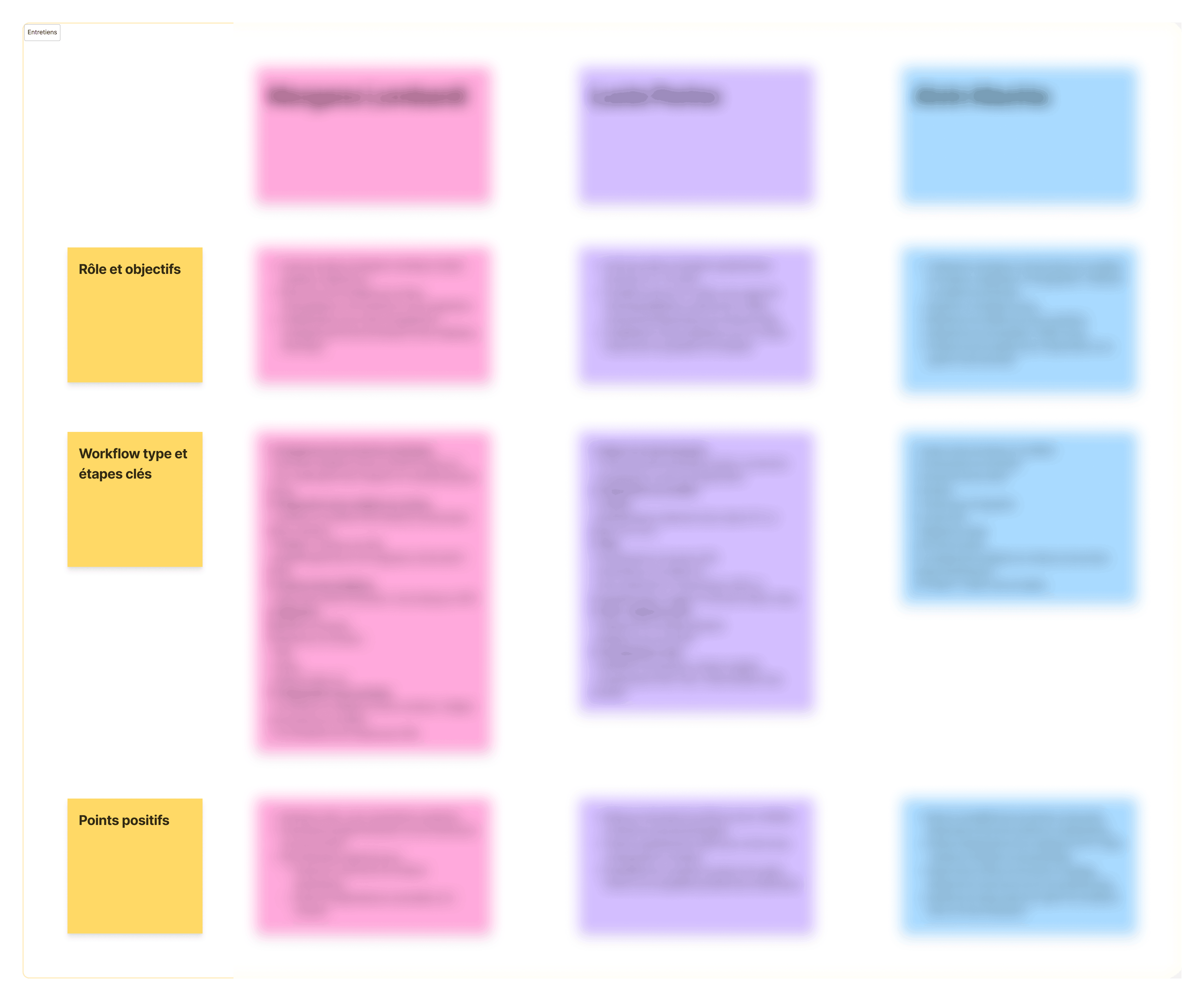
User interviews
Qualitative interviews conducted with geophysicists and project managers to understand their daily workflows, their data organization methods, and the main challenges they faced with the software.
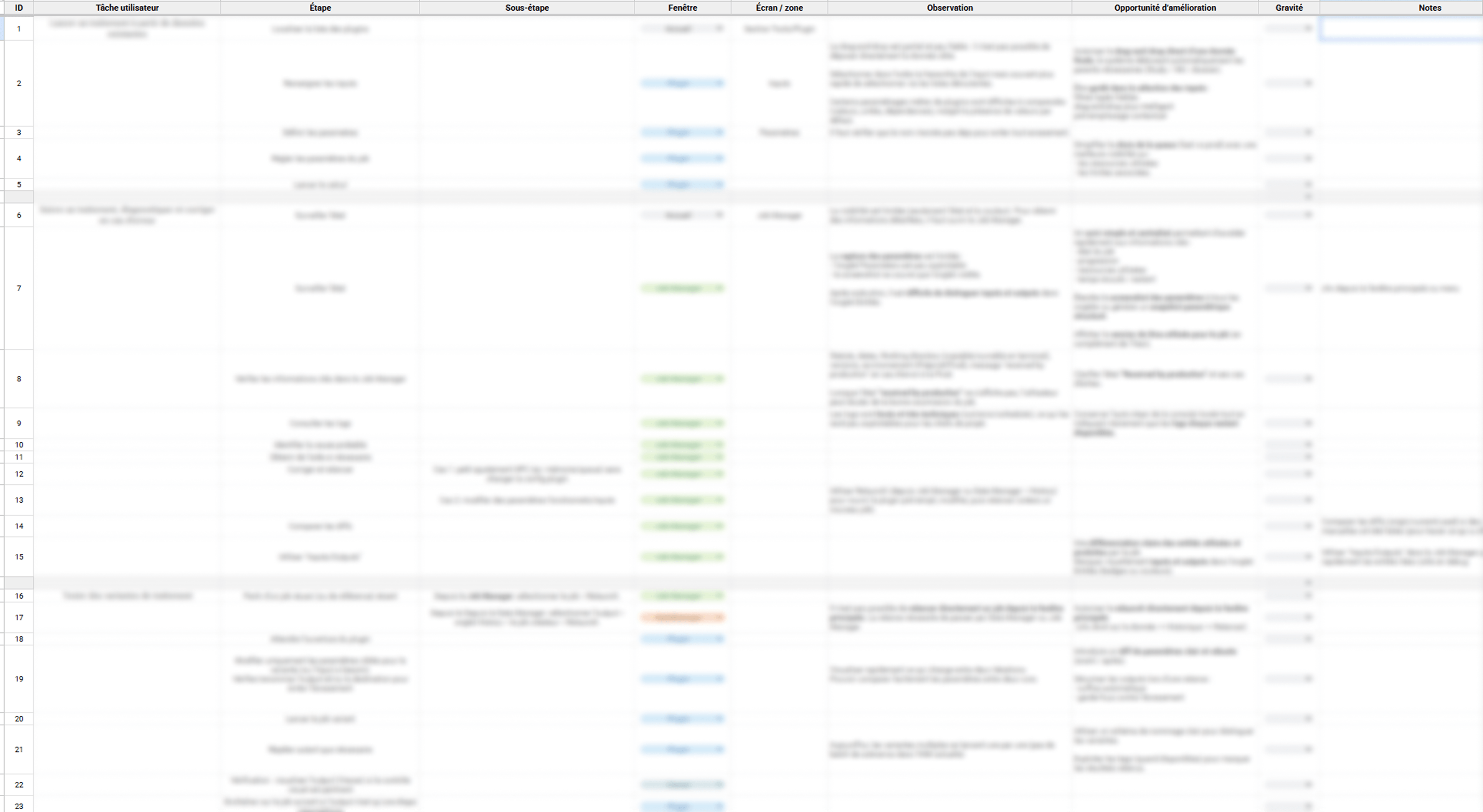
UX Audit
To better understand existing user journeys, a detailed UX audit was conducted to map out:
- user tasks,
- critical steps,
- pain points,
- and opportunities for improvement.
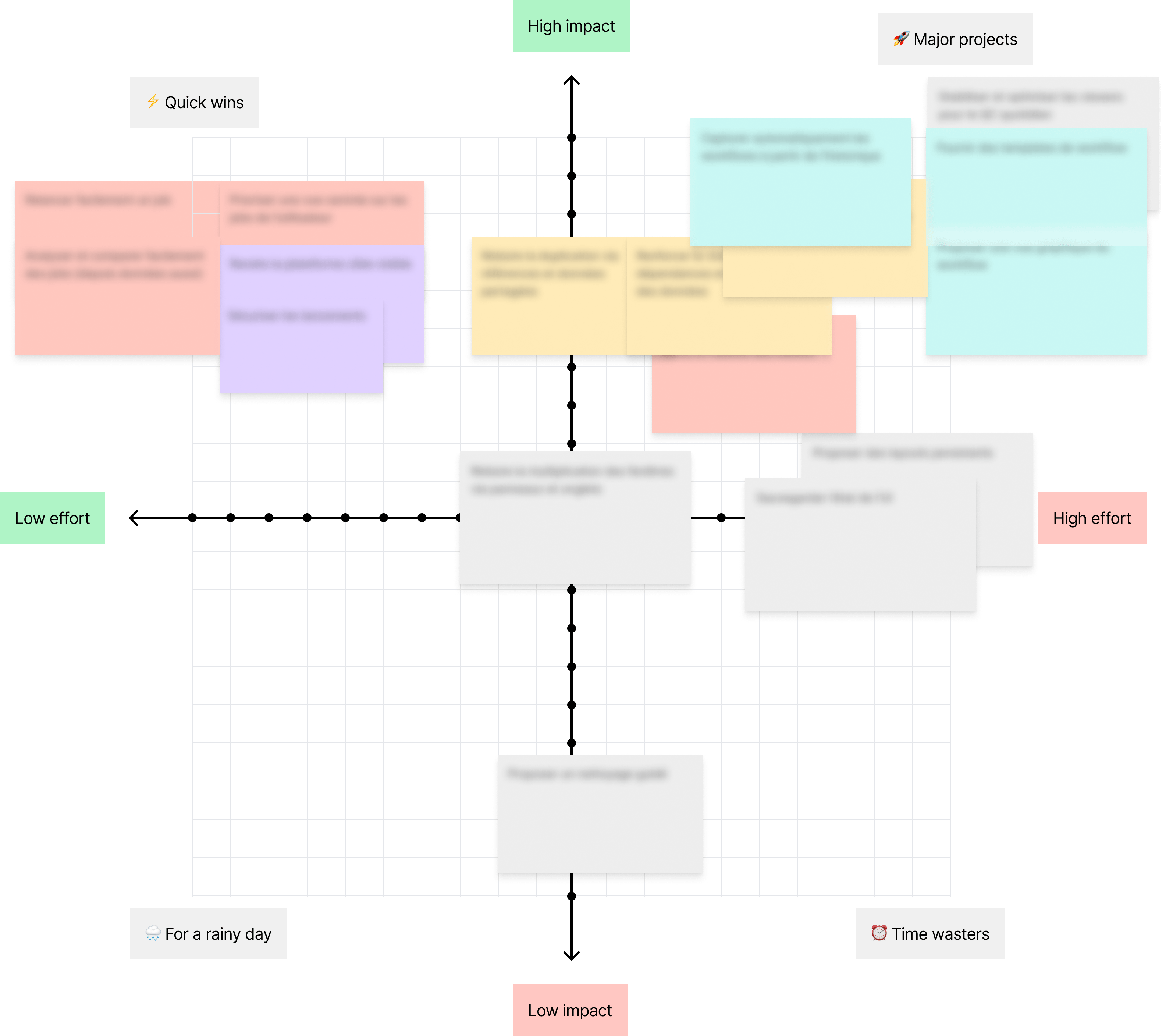
What we covered first, and why
Together with the development manager and expert users, we categorized the issues identified during the research based on two simple criteria:
- their impact on users
- the effort required to resolve them.
This helped us decide:
- what needed to be addressed immediately: data organization, navigation
- what could wait: more advanced features of the workflow module,
without exceeding the budget or the deadlines.
Key insights
Workshop
A workshop was conducted with stakeholders (experienced users and the development manager) to collectively brainstorm a clearer and more consistent structure for projects within the software.
Goals
- align usage practices,
- reduce inconsistencies between teams,
- clarify user flows,
- and define more understandable organizational principles.
Outcomes
- a new data structure,
- common usage conventions,
- shared organizational rules,
- and several proposed features to improve navigation and project understanding.
Design
The goal was not to reduce the density of information, but to better structure user flows and improve the product’s overall readability.
Separating information layers
Problem
Navigation, workflows, and technical details were often mixed together in the same spaces, making user journeys difficult to follow.
Product Decision
The interface was restructured around multi-panel layouts to better distinguish between:
- navigation,
- workflows,
- contextual actions,
- and technical details.
Expected Result
Reduce cognitive load and allow users to keep a clearer view of their active task without losing quick access to advanced features.


Structuring a more comprehensive workflow experience
Problem
The workflow feature was under development, and several ideas had already been explored regarding templates, workflow execution, and tracking. However, the user experience remained very limited: basic interfaces, restricted interactions, and workflows that were difficult to understand as a whole.
Product Decision
The redesign focused on structuring a more comprehensive and consistent experience around:
- the creation and editing of templates,
- and the launch and tracking of executed workflows.
User flows were defined to clarify interactions and connect the module’s various steps.
Particular attention was also given to:
- the clarity of the steps,
- the management of parallel workflows,
- and clarifying the execution context.
Expected Result
Create a clearer and more consistent experience around workflows while still providing the advanced features needed by expert users.

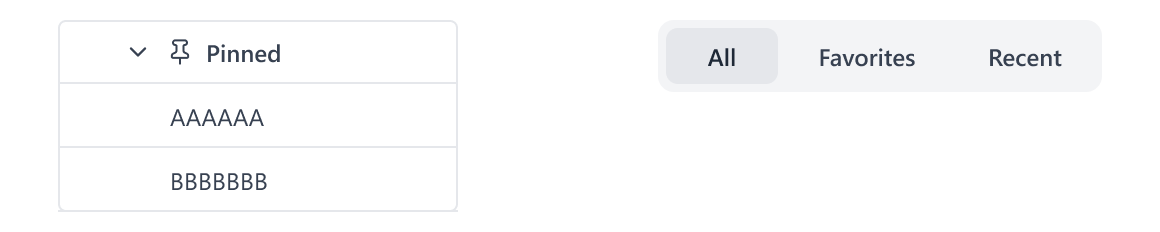
Easy access to important items
Problem
Users were wasting time trying to find certain frequently used data or tools.
Product Decision
Simple “Pinned Data” and “Favorite Tools” features were introduced to speed up access to important elements of the workflow.
Expected Result
Reduce repetitive tasks and facilitate quick access to the most frequently used items.
Improving interface consistency
Problem
Behaviors and screen layouts were sometimes inconsistent across the product’s different areas.
Product Decision
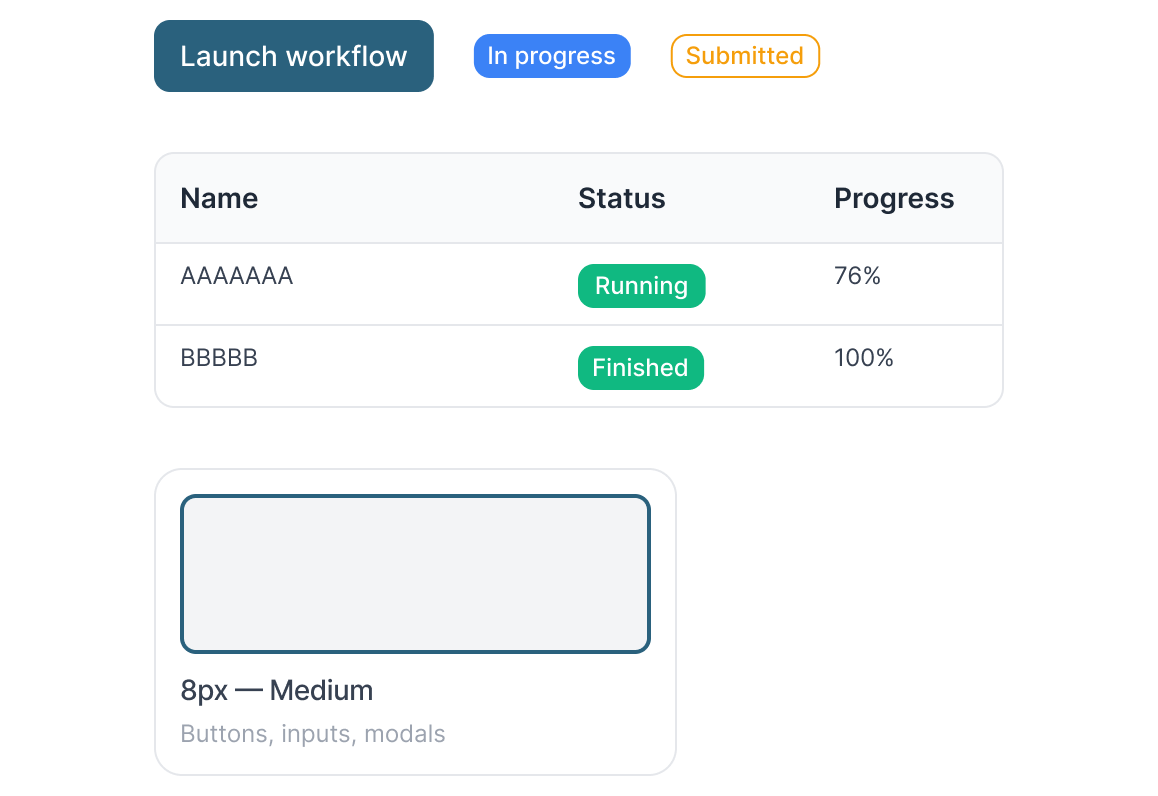
UI guidelines were defined to harmonize:
- components,
- behaviors,
- typographic hierarchy,
- and layout structures.
Expected Result
Create a more consistent, more readable interface that is easier to scale over time.
Constraints & Trade-offs
The project had to integrate with:
- an existing application,
- complex technical user flows,
- and strong development constraints.
Some UX decisions were therefore guided by:
- preserving expert workflows,
- maintaining a high level of user control,
- time and budget constraints,
- and avoiding overly extensive technical redevelopment.
Example of a UX Trade-off
I suggested abandoning the idea of a graph-based editor, which would have been more comprehensive but time-consuming to develop and maintain, in favor of a simpler, more readable version that could be implemented more quickly. This was a decision we made together with the head of development: a simple solution delivered quickly was better than an ideal but costly one.
Conclusion
- Everyone agreed on a common direction, which made it possible to move forward with the project
- A system for organizing reference data, to prevent each team from working in isolation
- New users should be able to get up to speed on an existing project more quickly
- Priorities have been set for the next steps
Conclusion
I didn't have access to the usage data for this internal tool. If I did, I would look at:
- the time spent searching by name (which shows whether navigation is still difficult),
- the number of new users able to take over a project without an expert's help,
- the number of support tickets related to data organization, before and after the change.
Lessons Learned
This project demonstrated the importance of thoroughly understanding existing work practices before attempting to simplify them.
In complex work environments, the real challenge is often not reducing the amount of information, but organizing it in a way that aligns with what users already understand and how they work on a daily basis.